How to Understand YouTube Videos in Another Language
Use auto-translated subtitles, audio tracks, slower playback and translated summaries to learn from YouTube videos in any language.

Some of the best explanations of a topic are in a language you don't speak: a conference talk in German, a cooking channel in Japanese, a tutorial in Portuguese. YouTube and a few tools make most of them understandable.
Four ways to understand a video in another language
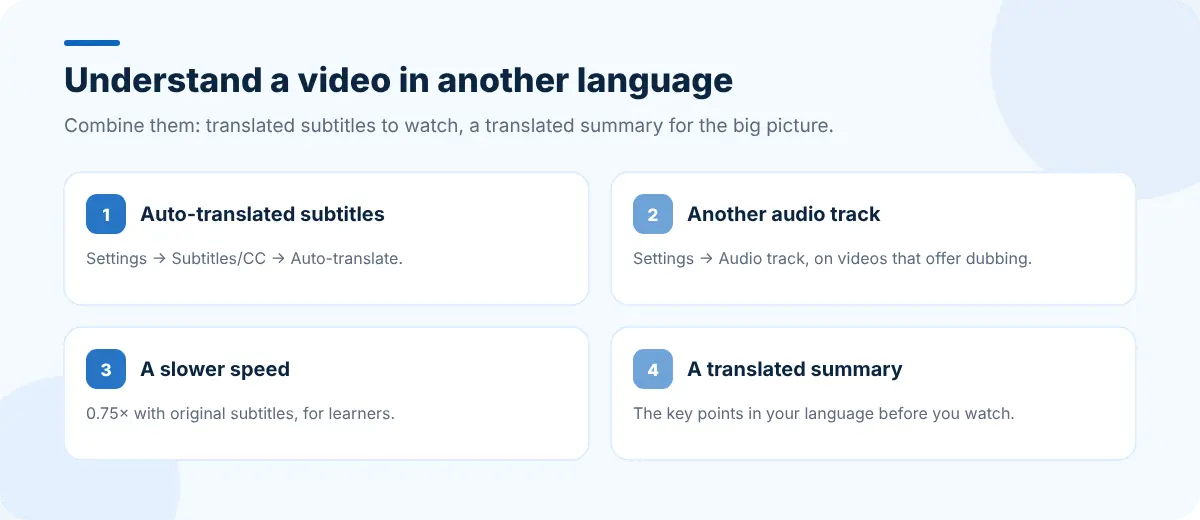
1. Turn on auto-translated subtitles
- Start the video and click the gear icon (Settings).
- Choose Subtitles/CC and pick the video's language (it may say "auto-generated").
- Open Subtitles/CC again, choose Auto-translate and pick your language.
Auto-translation works on top of the captions, so quality depends on both the captions and the translation. Technical terms and names are where it slips most.
2. Switch the audio track, if there is one
Some videos offer dubbed audio in several languages. Open Settings → Audio track to see the options. Not many videos have this yet, but it's worth checking on popular channels.
3. Slow it down
If you understand some of the language, a slower playback speed (0.75×) with original-language subtitles is one of the best ways to follow along and learn. Press Shift+, to slow down and Shift+. to speed up.
4. Read a translated summary first
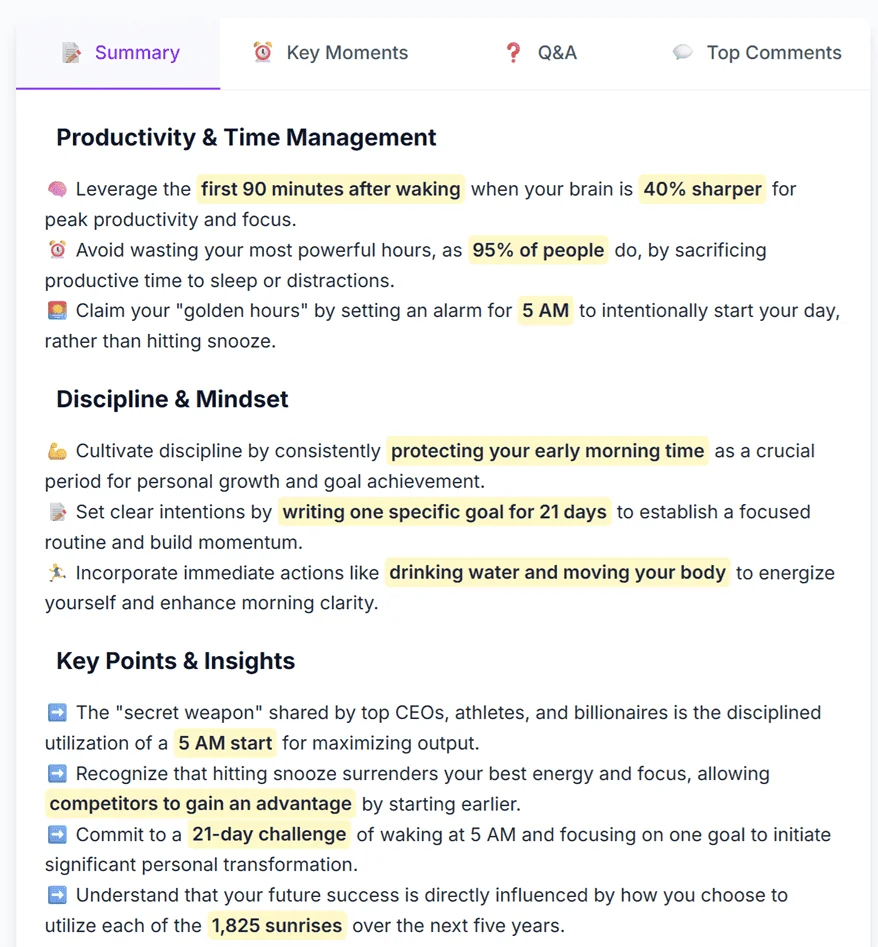
A summary in your language gives you the structure and the key points before you watch, so the translated subtitles make more sense. SummaryTube can translate summaries into many languages, and its key moments let you jump straight to the parts you care about.
Learning a language with YouTube
YouTube is also a great way to learn a language:
- Original audio, original subtitles at a slightly slower speed.
- Transcript search to find a phrase you heard and replay it; see getting a YouTube transcript.
- Shadowing: repeat a sentence right after the speaker.
- New words into a list you review daily. CentPage has a free Language Translator and Word of the Day widget on your new tab.
Check what matters
Machine translation is good for understanding and risky for exact details. If you're going to act on something (instructions, prices, medical or legal information), confirm it with a native speaker or an official source. Our guide to how accurate AI video summaries are applies to translations too.
Frequently asked questions
Can YouTube translate a video into my language?
YouTube can auto-translate the captions into many languages. Open Settings → Subtitles/CC → Auto-translate and choose your language. Some videos also offer dubbed audio tracks.
Why is Auto-translate missing?
Auto-translate needs captions to translate. If a video has no captions, or the creator turned them off, the option won't appear.
Can I get a summary in a different language from the video?
Yes. SummaryTube can translate a video's summary into many languages, so you can read the key points in your own language even if the video is in another.


